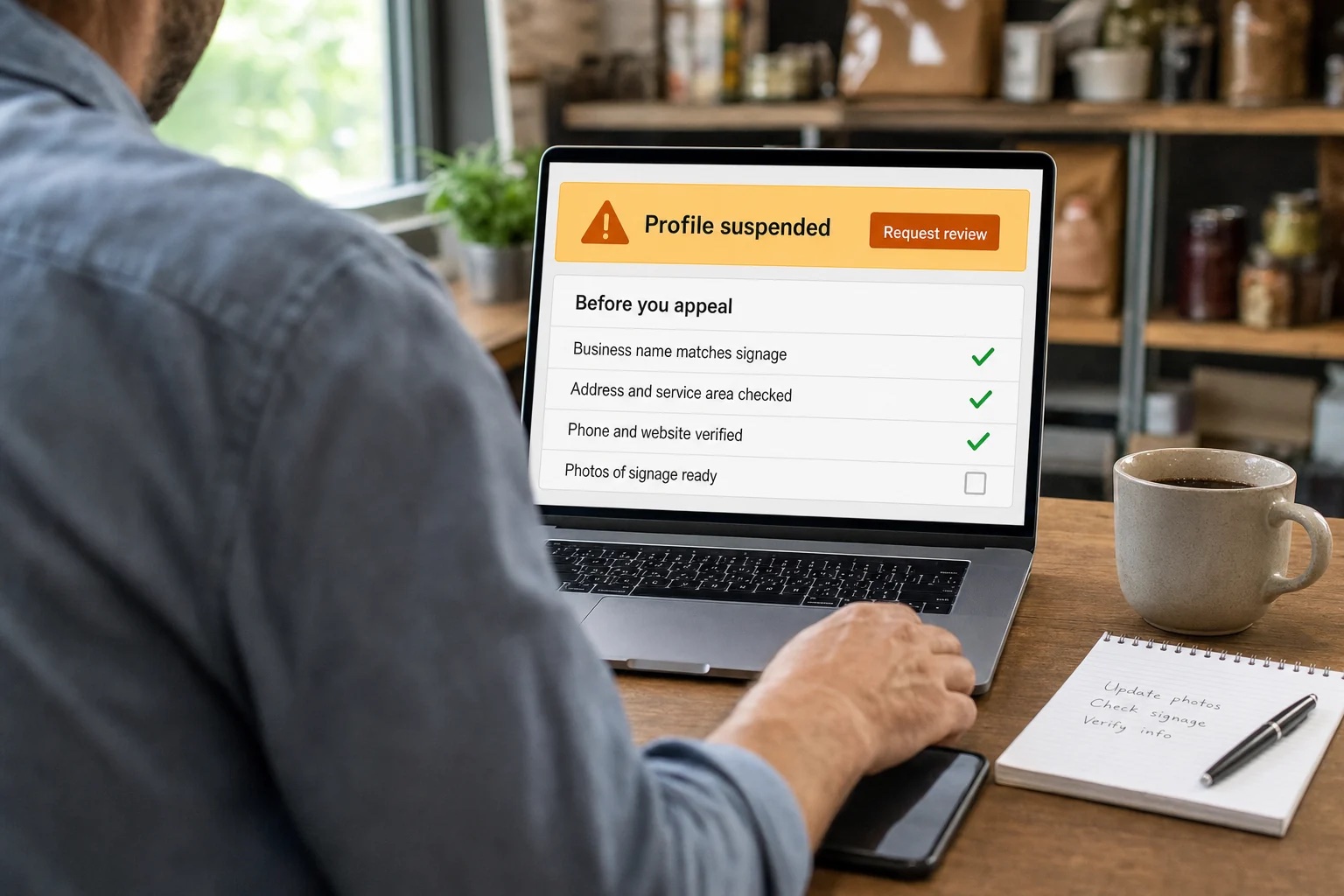
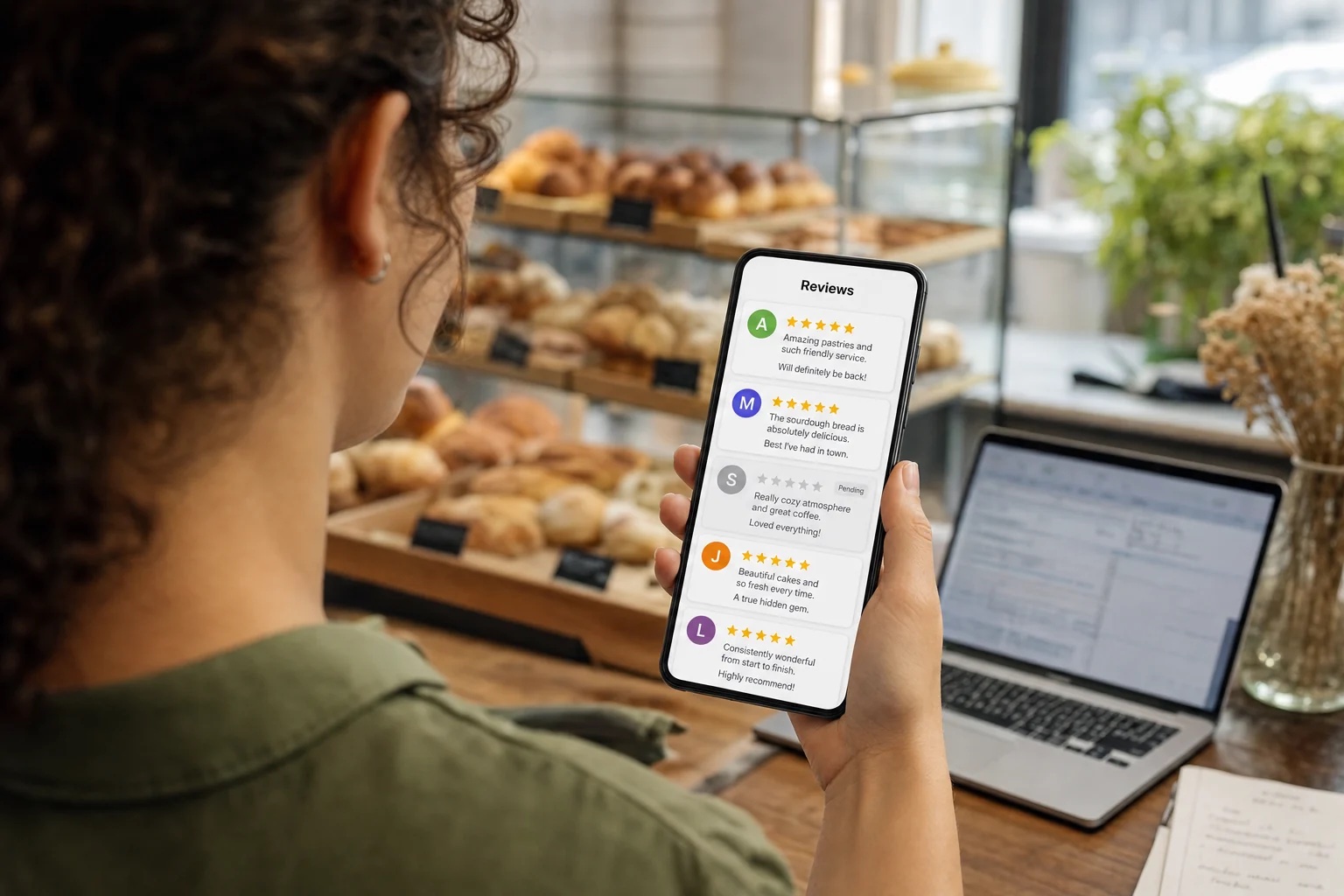
When Google reviews are not showing up, the worst move is guessing. Nobody can force Google to display a review, and anyone who says they can is selling you something. The best move is to find out what you’re actually dealing with.
According to Google’s help page on missing or delayed reviews, reviews are usually removed for policy violations such as spam or inappropriate content. Delays, merged profiles and temporary restrictions can also be behind a missing review.
For a Long Island business, reviews are part of a wider local presence that customers use to assess the company. Max Pull Marketing's Long Island local marketing services include Google Business Profile work.
Common reasons Google reviews aren’t showing up
Google lists several possible explanations. None of them proves what happened to your particular review, but they’re the right place to start:
- A policy check. Reviews are checked against Google’s policies, which can take a few days and delay a review’s appearance.
- A recent profile merge. After merging Business Profiles, it can take a few days for reviews from both to display on Search and Maps.
- An older phone or app. Customers on older phones or software can have trouble leaving reviews. Google recommends they update the Google Maps app.
- A policy removal. Reviews removed for prohibited or restricted content won’t be restored.
- Temporary restrictions. Google may temporarily disable user-created content, including reviews, for certain profiles or business categories.
- A reinstated profile. Reviews are sometimes removed after a profile is reinstated. If that happens, Google directs you to contact support.
- A school category. Reviews and ratings are removed and disabled for profiles primarily categorized as educational institutions for students aged 6 to 18. If that category doesn’t describe your business, Google says you can change it.
You cannot see Google’s internal reason from the public profile, so treat this list as possibilities, not a diagnosis.
How long can a delay last?
Google says a policy check or a profile merge can take a few days to show up. If it has been only a day or two, waiting is reasonable. If it’s been longer, or a whole group of reviews is gone, stop waiting and start documenting.
Describe exactly what is missing
There are several different situations hidden inside the phrase reviews aren't showing. One customer may say a new review was submitted. An older review may no longer appear. The total review count may differ from a number someone recorded previously. Treat each as its own observation.
Write down the date you noticed the issue and the profile URL. Note whether it affects one review or a wider group. If a customer has voluntarily shared a screenshot, record what it shows and when it was taken.
A precise description makes the next step easier. One review submitted yesterday and a large group missing after a profile event are different support questions. Keep your wording factual, and do not start from an assumption like a competitor attack or an algorithm penalty.
Make sure everyone is looking at the same profile
Confirm the business name, address or service-area identity and profile link. If the company has multiple locations, make sure the review concerns the intended location. A screenshot that shows only the review text may not establish where it was submitted.
Also note any recent profile events: a duplicate listing cleanup, a move, a merge or a reinstatement. Include dates and any existing support references. These details describe the situation without claiming one event definitely caused another.
If several employees check independently, they may report different views without knowing the timing or location involved. A shared record prevents the business from treating every inconsistent observation as a new incident.
Build a short evidence record
A useful record is easy for another person to understand. It should separate what happened from what you suspect. Skip the long history of every marketing change when the issue is one missing review at one location.
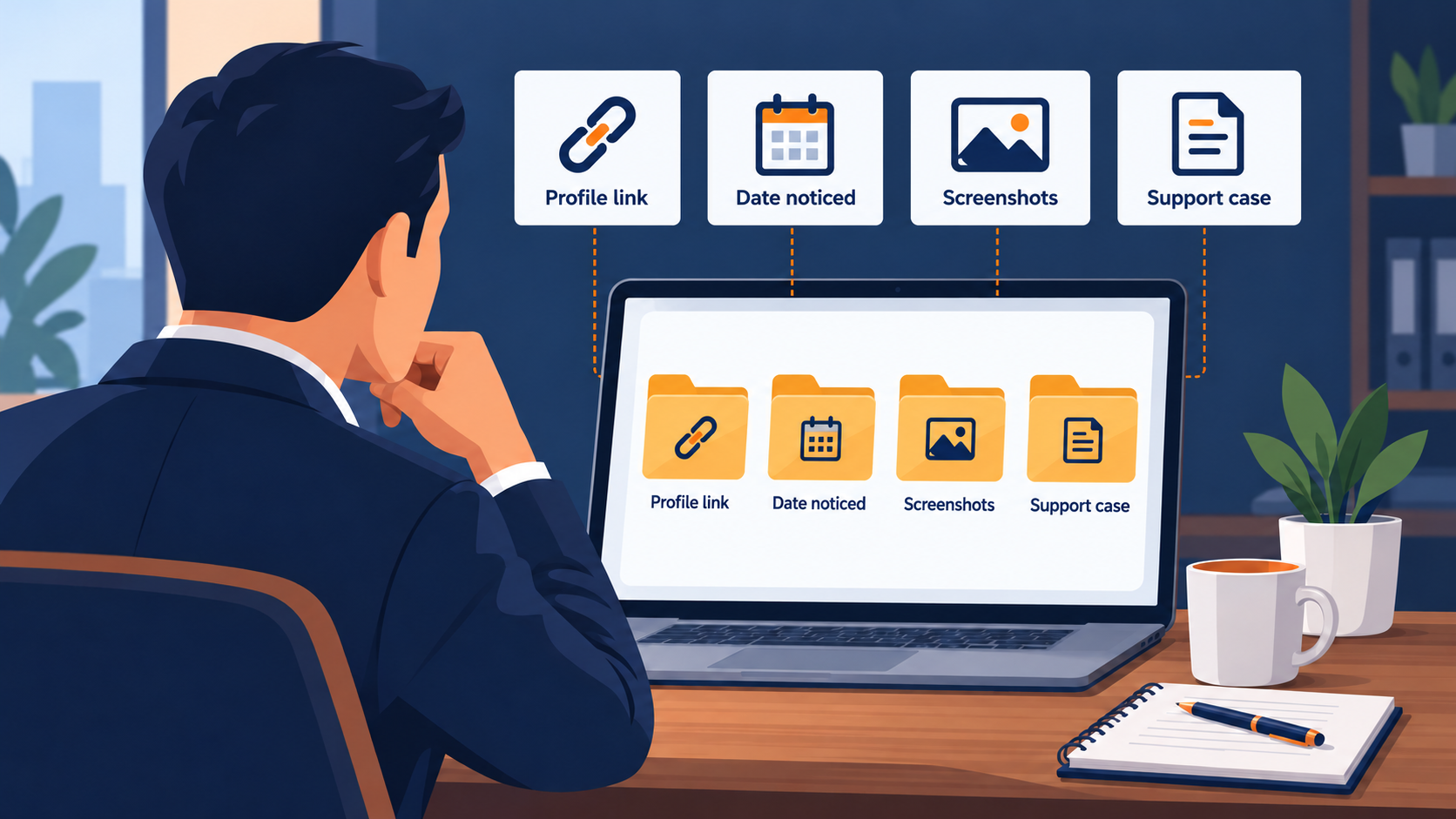
- Business name and exact profile link.
- Date the issue was first noticed.
- Whether the concern is one new review, an older review or a broader count change.
- Relevant screenshots with their dates and source.
- Any recent merge, reinstatement or other known profile event.
- Existing support case reference, if one exists.
- A short statement of the help being requested.
Keep customer information limited to what is needed and use the proper support channels for it. Do not post private customer details in a public help forum.
Take it to Google the right way
Once the record is ready, use the official route from Google’s help material instead of paying anyone who claims a private restoration method. Use Google’s support contact page for missing reviews, especially after a reinstatement. If your concern is a review that shouldn’t be on your profile, Google has a separate route to report inappropriate reviews.
Choose one person to keep the record and coordinate the request. Note when it was submitted and what response came back. When new facts appear, add them to the same timeline instead of starting over from memory.
Keep customer communication honest
If a customer asks why their review is absent, explain that you cannot see or control Google's moderation decision. Thank them for their time without suggesting that they need to change an honest account to make it more favorable to the business.
Do not turn the issue into a campaign of repeat submissions or coordinated rewrites. More activity won’t reveal the cause of the original problem. Avoid promising a display date. Even when a delay is plausible, you do not know when a particular review will appear. Tell the customer what you have checked and what support step, if any, you have taken.
Don’t change everything at once
Keep checking the accuracy of your wider profile as part of normal local SEO work, but do not rewrite your business identity just to see whether a review comes back. Every change needs a factual reason of its own.
Reviews are one piece of how customers size you up. Accurate information and an easy way to reach you matter just as much, and those are the parts you control. If you want help with the Google Business Profile side, our Long Island local marketing services cover it for Nassau and Suffolk businesses.
Stuck on a missing review and not sure where to start? Discuss your local presence with Max Pull Marketing. We’ll look at the profile, the issue and any recent changes, and be straight with you about what we can and can’t do. Google controls review moderation and display.