
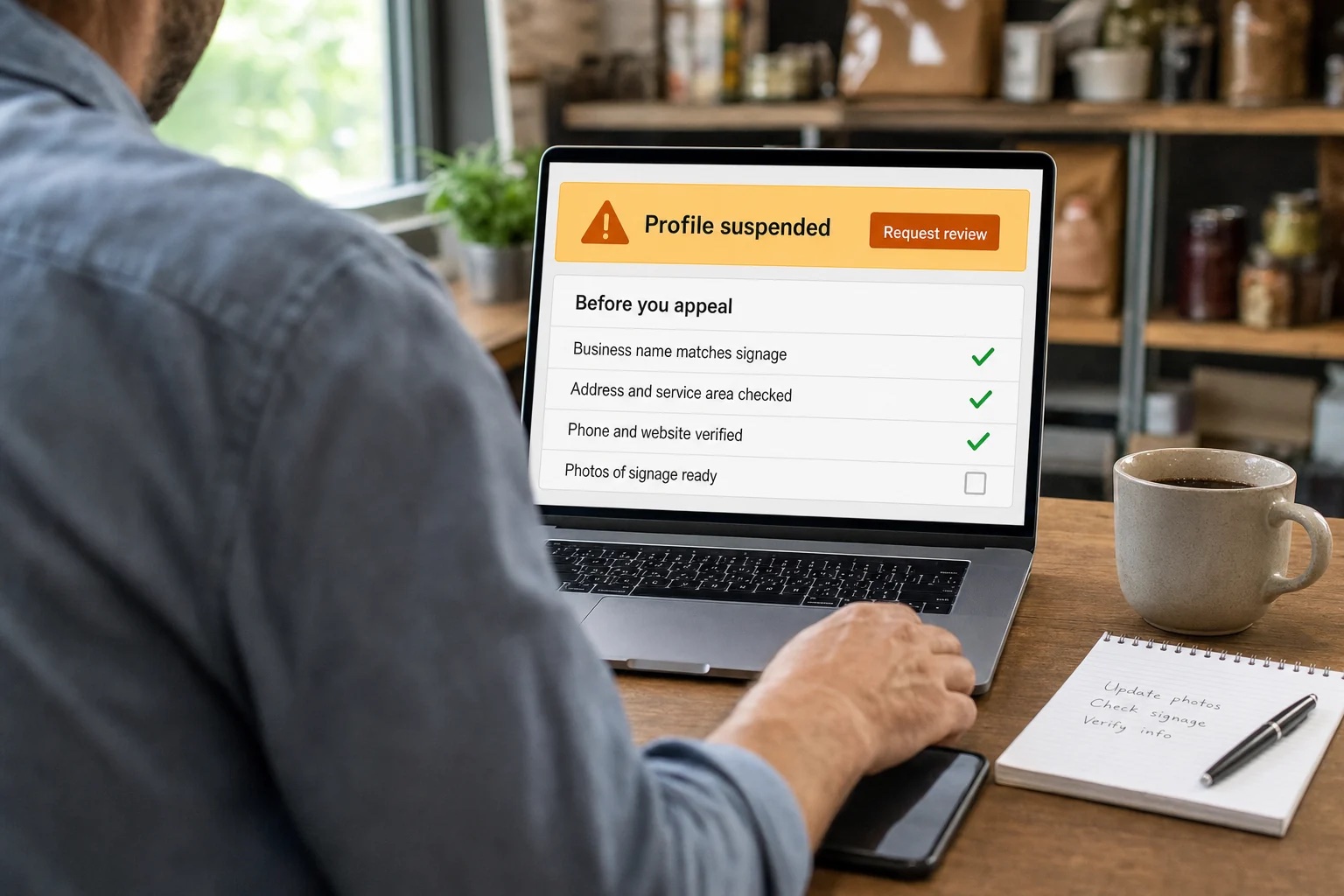
If your Google Business Profile is suspended, don’t panic-click. Three rules before anything else: don’t create a new profile for the same business, don’t rush edits you can’t explain, and remember that Google’s appeals tool only accepts one appeal. So the work you do before you submit is what counts. An agency can help you organize the facts, but it can’t make Google reinstate a profile or promise when a decision will arrive. Anyone who guarantees otherwise is selling you something.
For a Suffolk County business, a suspended Google Business Profile can cut off a major customer contact route fast. Max Pull Marketing's Suffolk County marketing services include local search support, and the first job is the same for everyone: get the facts straight.
Save the notice and identify what’s affected
Keep the notification and record when it arrived. Record the exact profile, the Google account that manages it and any reason shown. If your business has several locations, do not assume they are all affected in the same way. Check each profile and write down what you see.
Create a simple timeline of recent changes that the team knows about, such as edits to business information or changes to who has access. Do not label a change as the cause without evidence. The goal is to give the person reviewing the issue a clear sequence.
Assign one person to coordinate the response. When several staff members edit information or submit requests independently, nobody knows which version of the facts is current. Keep the business owner informed and keep access to the account secure.
Profile suspension or account restriction?
These are handled differently, so check which one applies:
- A profile suspension affects a specific Business Profile. You appeal it in Google’s Business Profile appeals tool.
- An account restriction applies to the Google account. According to Google, the Business Profiles that the account manages are suspended, and you can’t create or claim other profiles. You appeal the restriction first on your My Account restrictions page. Once it’s lifted, you can appeal the profile suspension.
Google’s guidance also covers what happens when an owner’s or manager’s account is removed, so read the notice carefully and follow the path that matches it.
Bring the profile in line before you appeal
Google’s guidance says to make sure the profile follows its Business Profile guidelines before you submit an appeal. Compare the business information shown online against your real business records, and note any mismatches.
Write down the correction and the reason for it. A factual explanation beats a long statement that the business deserves visibility. Keep a clear line between what you observed (say, an old address still on a page) and what you don’t know (whether that caused the suspension). Describe the correction without guessing at Google’s reasoning.
Never create or alter a document to make the evidence look convenient. The response should describe the real business accurately.
How to appeal a suspended Google Business Profile
Google’s published steps for a profile appeal look like this. Recheck the current instructions when you act, because the process can change.
- Open the Google Business Profile appeals tool.
- Confirm the Google account tied to the profile, or switch accounts.
- Select the Business Profile you want to appeal, then continue.
- Select the decision you want to appeal. The tool shows the date, the reason, a link to the violated policy, whether the decision can be appealed and its status.
- Add optional supporting evidence and, if you want, an explanation of why the profile should be reinstated.
- Check the box confirming you’re ready and that all evidence is attached, then select Submit appeal.
- Watch for Google’s decision by email.
An appeal can only be submitted once, so don’t open it until your facts, documents and explanation are ready.
What evidence helps
Google lists these as evidence that can strengthen an appeal:
- Official business registration
- A business license
- Tax certificates
- Business utility bills, such as electricity, phone, water or internet

Keep the profile URL or identifier with the record so the correct business can be located. If another person is helping, share access through proper account roles and secure channels. Do not send passwords or unneeded identity documents in a public forum.
Use a short worksheet to organize the work:
- Profile identity and the account responsible for it.
- Notice date and restriction shown.
- Policy reference supplied by Google.
- Current business details requiring review.
- Relevant genuine documents already available.
- Known recent changes, with dates.
- Appeal submission and any subsequent response.
Have the person responsible for the business confirm the explanation is accurate. A marketing team may know the profile’s history without knowing every detail of the company’s records. Resolve factual questions before you submit statements on the business’s behalf, and keep a copy of everything you send.
Check the status and read the decision
In the appeals tool, an appeal’s status shows as Submitted, Approved, Not Approved, Can’t be appealed or Eligible for appeal. Google sends the decision by email, and only the profile you selected updates in the tool.
Read the response carefully and record the outcome. If a profile is reinstated but something is wrong afterward, Google directs you to contact Business Profile Help.
If your appeal is denied
Google says it may be able to do an additional review of a denied request, and you can provide evidence that wasn’t in your original appeal. Use the additional review form only with genuine, accurate information that addresses the actual decision. Resubmitting the same information won’t give Google anything new to evaluate.
Several suspended locations
If you need to appeal more than 10 profiles, Google’s tool offers a bulk option. You attach a spreadsheet with the Business Profile ID for each suspended location plus supporting documents, and the business name and address on each document should match your registration exactly. The status updates only for the profile you selected in the tool, and you’ll get one decision email for that profile.
Keep customers reaching you while you wait
Fixing the profile doesn’t happen overnight, so protect the routes you control. Check that your own website shows the right phone number and service information and that your inquiry form works. This won’t restore the profile, but it helps customers who reach your site directly.
Tell the staff who answer questions what’s known and what isn’t. They shouldn’t promise the profile will be back tomorrow, and they shouldn’t say you’re closed if you aren’t. A plain, factual answer is enough.
Don’t open parallel requests
Track the appeal through the official route and keep all correspondence together. Avoid new requests without a clear reason, and never create a duplicate profile to get around the suspension. One organized record is easier to review than several incomplete versions of the same problem.
Start with the notice, document the real business and use Google’s process. A legitimate Suffolk County business is better served by that than by guessing at hidden ranking factors, and Max Pull Marketing can help you get the local searchside in order once the facts are straight.