

A new design can look sharp and still wreck what was working. Old service links break, forms go to the wrong inbox, and search-ready pages get left behind in development settings. Before you approve a redesign, protect the pages, URLs and inquiry paths that already matter, and make someone prove they survived launch.
This checklist is for business owners approving a redesign and the marketers and developers who’ll carry it out. The first rule comes straight from Google’s site-move guidance: change only one thing at a time. If you’re also changing URLs or switching CMS platforms, do those in separate steps from the new layout. Max Pull Marketing’s Long Island web design and marketing services connect website work with search and lead generation for exactly this reason. A polished homepage doesn’t prove an old service link still works or that a form reaches the right inbox.
Website redesign SEO checklist at a glance
Before you approve
- Inventory current pages, files and contact destinations, with data source and date
- Capture a baseline: traffic, rankings, conversions and top landing pages
- Decide which URLs must change, and keep the rest the same
- Compare old and new versions of important pages side by side
Before launch
- Map every changed URL to a relevant new destination
- Set up permanent redirects and test them
- Check titles, meta descriptions, headings, canonicals and internal links
- Confirm production pages aren’t blocked by development settings
- Test forms, phone links and booking routes end to end
- Verify analytics and conversion tracking
After launch
- Submit the updated sitemap and watch Search Console
- Review error pages, search visibility and inquiry handling
- Keep the redirects in place
Each item is explained below.
Record what the current site does before replacing it
Ask for an inventory of existing pages and available performance evidence. Include service pages, location pages, useful articles, downloadable files and contact destinations. Mark pages with relevant search traffic, links or inquiries where that information is available. Keep the source and date of the data with the inventory.
Do not assume that a page with an old design has no value. Read what it helps a customer do. A plain service page may explain something the new replacement leaves out, so judge it on function as well as looks.
Also record the inquiry process. Where do forms send information? Which phone numbers appear? Are booking tools or external destinations involved? The redesign team needs to know what has to keep working, including the parts outside the website itself.
Decide which URLs actually need to change
A visual redesign does not automatically require a new address for every page. If a URL changes, record its destination and the reason for the change. If content is merged, identify the relevant replacement. If it is removed, make that a deliberate decision, not a side effect of importing only the new menu.
For URLs that change, Google's site-move guidance covers the essentials:
- Map each old URL to its closest relevant new one. Include images and downloadable files that earn traffic or links.
- Use permanent, server-side redirects where possible, and point each old URL straight to its final destination instead of through a chain.
- Don’t send everything to the homepage. Google says redirecting many old URLs to one irrelevant destination can confuse users and may be treated as a soft 404. Consolidated content can redirect to its new combined page.
- Return 404 or 410 for pages you’ve deliberately removed.
- Update internal links to the new addresses.
- Keep redirects in place for as long as possible. Google suggests generally at least a year.
Ask the developer to show representative old links reaching the intended live pages. Include a service page, a useful article and any important file. A redirect plan reduces avoidable mistakes. It isn’t a promise of unchanged search performance, and Google notes rankings can fluctuate while a move is processed, which can take a few weeks or more for medium-sized sites.
If your redesign keeps every URL, Google has separate guidance for changes that don’t affect URLs. The page-by-page checks below still apply.
Check the on-page basics on the new templates
New templates can quietly drop the elements search engines and customers rely on. Compare old and new pages for:
- Title tags and meta descriptions that still describe each page accurately
- One clear H1 per page, with a sensible H2 and H3 structure
- Canonical tags that point to the correct, final version of each page
- Internal links that still connect services, locations and key articles
- Structured data that existed on the old site, where it still applies
- Image alt text and descriptive file names
- Page speed and Core Web Vitals on mobile
Do the same for your local SEO details. Business name, address, phone number and service areas should match everywhere they appear.
Protect the substance customers came for
Compare the old and new versions of important pages side by side. Does the new page still explain the service, territory, process and next step accurately? Have useful answers disappeared because the new layout allows less text? Are photographs and claims supported by the business?
A redesign is an opportunity to improve unclear content, but every change needs a reason. Do not replace a specific explanation with a short generic slogan simply because it fits a card. A prospect needs enough information to decide whether the business can help.
For Long Island service businesses, verify the actual service territory on the redesigned pages. A new template can accidentally introduce a location or service the company does not offer. Treat those details as content to check, not filler to populate automatically.
Make sure search engines can reach the live site
This is the quiet launch-day killer. Many teams block crawling or add noindex rules while the site is in development. Before launch, confirm that:
- Your production robots.txt doesn’t block pages you want found.
- Development noindex rules have been removed from pages meant for search.
- The sitemap lists the new URLs.
- Your site is verified in Search Console, including any new versions of your address.
Google also notes it will crawl a migrated site more heavily than usual, so make sure your hosting can handle it.
Test the complete inquiry, not just the button
Clicking a button is only the first part of a contact path. Verify what happens after a form is submitted, where the notification arrives and whether the business can act on it. Use an agreed test method so the team can tell test entries from real customer requests.
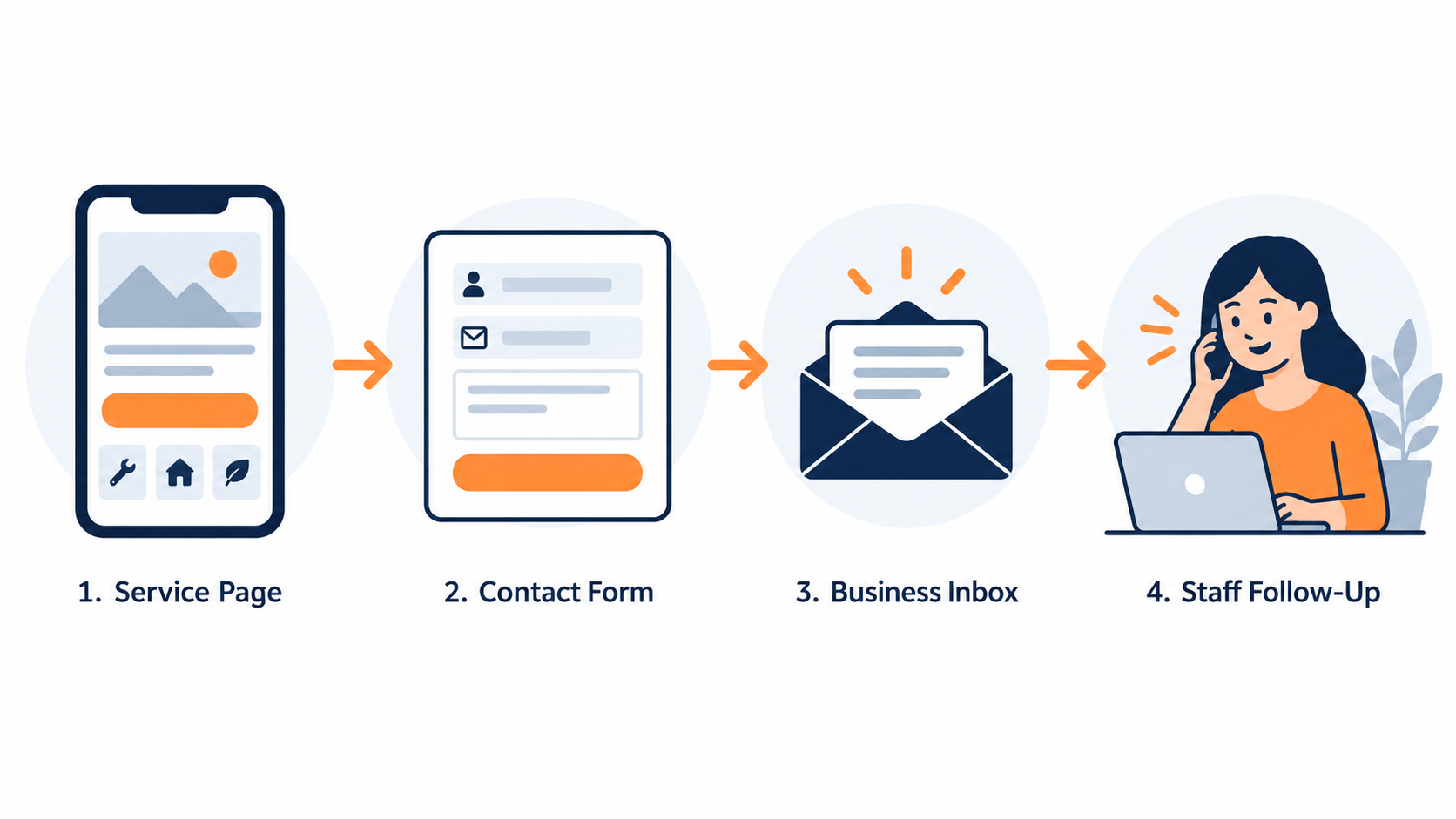
Check phone links and booking destinations on a mobile device. Confirm that the number belongs to the intended business or location. If an external booking tool is involved, follow the route far enough to verify that it is the correct destination without making an unwanted appointment.
Assign someone on the business side to confirm receipt. A developer seeing a success message is not the same as the sales team receiving the inquiry. Record both sides of the test and fix any mismatch before launch approval.
Ask for a launch checklist with named owners
Each important check should have a person responsible and a record of the result. Avoid an approval process where everyone assumes someone else checked the hidden details. The business owner does not need to perform every technical task, but should know who did and what evidence is available.
- Pages: important existing content has an agreed place in the new site.
- URLs: changed addresses have tested, relevant destinations.
- On-page SEO: titles, descriptions, headings, canonicals and internal links are checked on the new templates.
- Search access: production pages intended for search are not left behind development restrictions.
- Contact: forms, phone links and booking routes work through to the business.
- Measurement: agreed analytics and conversion events are verified without duplicate counting.
- Mobile use: text, images, navigation and actions work on small screens.
- Recovery: the team knows how to respond if a serious launch problem appears.
Keep staging and production checks separate. A successful test on a preview address does not prove the same behavior on the public domain. Repeat the critical checks on the live site after launch and record the actual result.
Review the live site after the handoff
Set a review point for search visibility, page errors and inquiry handling. Compare like-for-like periods where possible and account for changes in tracking or seasonality. If the measurement setup changed during the redesign, note that before interpreting a difference in reported leads. Submit the updated sitemap and watch Search Console for crawl errors and unexpected “not found” pages.
Look at the most valuable customer paths first. A broken service page or failed form deserves attention even when the homepage looks excellent. Keep the issue list specific enough that the responsible person can reproduce and resolve each problem.
Before approval, discuss the launch evidence with Max Pull Marketing if you need help reviewing the plan. Approve a redesign because the live site is useful, accurate and working through to the business. The visual result matters. So do the existing links, the page content and the inquiry that reaches the team after someone decides to get in touch.